crawl4ai 真的很好用
考完研后和开了个MC服务器和朋友们玩,之前没研究过,没想到MC服务器能折腾的也太多了,仅仅是各种插件的配置就能让我累死.于是放假回家后准备用LLM框架来将插件的wiki导入知识库,用AI帮我写.
最初使用的是maxkb,但是maxkb一是社区版有限制,还老是提示,很烦.二是不知为什么(可能是我设置的不对),不论怎么修改,AI回复的token长度都很短,并且基本没有记忆(我是修改了的).
昨天尝试安装了dify,但是dify的网页爬虫仅支持Jina Reader和 Firecrawl,两个都是收费的(有免费token,也可以自部署),在研究过程中,了解到了crawl4ai这个开源项目.这个项目可以快速爬取并生成适合LLM知识库的MD文档,并且可以借助LLM大模型帮助爬虫分析网页结构数据.并且我自己使用下来真的是一个很快速,很方便的爬虫框架.写这篇博客不仅是保存一下我用的代码,更是向大家推荐一下
先贴一下github上的官方介绍
-
Built for LLMs: Creates smart, concise Markdown optimized for RAG and fine-tuning applications.
-
Lightning Fast: Delivers results 6x faster with real-time, cost-efficient performance.
-
Flexible Browser Control: Offers session management, proxies, and custom hooks for seamless data access.
-
Heuristic Intelligence: Uses advanced algorithms for efficient extraction, reducing reliance on costly models.
-
Open Source & Deployable: Fully open-source with no API keys—ready for Docker and cloud integration.
-
Thriving Community: Actively maintained by a vibrant community and the #1 trending GitHub repository.
Github:unclecode/crawl4ai: 🚀🤖 Crawl4AI: Open-source LLM Friendly Web Crawler & Scraper
官方文档:Home - Crawl4AI Documentation
单页面爬取
我对crawl4ai的使用主要根据官方文档的代码进行修改(他们的文档真的很棒),单页面爬取我仅贴一下官方的代码不再多说
import asyncio
from crawl4ai import AsyncWebCrawler

async def main():
    # Create an instance of AsyncWebCrawler
    async with AsyncWebCrawler() as crawler:
        # Run the crawler on a URL
        result = await crawler.arun(url="https://crawl4ai.com")

        # Print the extracted content
        print(result.markdown)

# Run the async main function
asyncio.run(main())
多页面爬取
会话重用爬取多页面
我最头疼的就是插件的wiki多页面爬取了,crawl4ai很好的解决了问题.
获取urllist我依靠wiki的sitemap,绝大多数的wiki/网站都会有sitemap.
官方文档提供了高性能多页面爬取代码,不再为每个页面都开启一个浏览器,而是一个浏览器开启多个页面,这样不仅节省了资源也加快了速度.下面是我的代码,仅仅是复制了一下官方文档,添加了解析sitemap获取urllist的方法.
import asyncio
from typing import List
from urllib.parse import urlparse
from xml.etree import ElementTree

import requests
from crawl4ai import AsyncWebCrawler, BrowserConfig, CrawlerRunConfig
from crawl4ai.markdown_generation_strategy import DefaultMarkdownGenerator

async def crawl_sequential(urls: List[str]):
    print("\n=== Sequential Crawling with Session Reuse ===")

    browser_config = BrowserConfig(
        headless=True,
        # For better performance in Docker or low-memory environments:
        extra_args=["--disable-gpu", "--disable-dev-shm-usage", "--no-sandbox"],
    )

    crawl_config = CrawlerRunConfig(
        markdown_generator=DefaultMarkdownGenerator()
    )

    # Create the crawler (opens the browser)
    crawler = AsyncWebCrawler(config=browser_config)
    await crawler.start()

    try:
        session_id = "session1"  # Reuse the same session across all URLs
        for index,url in enumerate (urls):
            result = await crawler.arun(
                url=url,
                config=crawl_config,
                session_id=session_id
            )
            if result.success:
                print(f"Successfully crawled: {url}")
                print(f"Markdown length: {len(result.markdown_v2.raw_markdown)}")
                with open(f"./result/{urlparse(url).path.replace('/','_')}.md", "w",encoding='utf-8') as f:
                    f.write(result.markdown_v2.raw_markdown)
            else:
                print(f"Failed: {url} - Error: {result.error_message}")
    finally:
        # After all URLs are done, close the crawler (and the browser)
        await crawler.close()


def get_pydantic_ai_docs_urls():
    """
    Fetches all URLs from the Pydantic AI documentation.
    Uses the sitemap (https://ai.pydantic.dev/sitemap.xml) to get these URLs.

    Returns:
        List[str]: List of URLs
    """
    sitemap_url = "https://example.com/sitemap.xml"
    try:
        response = requests.get(sitemap_url)
        response.raise_for_status()
        # Parse the XML
        root = ElementTree.fromstring(response.content)

        # Extract all URLs from the sitemap
        # The namespace is usually defined in the root element
        namespace = {'ns': 'http://www.sitemaps.org/schemas/sitemap/0.9'}
        urls = [loc.text for loc in root.findall('.//ns:loc', namespace)]
        return urls
    except Exception as e:
        print(f"Error fetching sitemap: {e}")
        return []


async def main():
    urls = get_pydantic_ai_docs_urls()
    await crawl_sequential(urls)

if __name__ == "__main__":
     asyncio.run(main())
并行爬取
crawl4ai也可以同时爬取多个页面,这样在提取很多个页面时可以大大提高速度,代码依旧是官方文档代码+解析sitemap方法.爬取完后会输出爬取失败的链接列表,会自动保存爬取成功的页面保存到指定目录md中(名字方法是我自己写的,可以随意修改)
import os
import sys
from urllib.parse import urlparse
from xml.etree import ElementTree

import psutil
import asyncio

__location__ = os.path.dirname(os.path.abspath(__file__))
__output__ = os.path.join(__location__, "output")

import requests

# Append parent directory to system path
parent_dir = os.path.dirname(os.path.dirname(os.path.abspath(__file__)))
sys.path.append(parent_dir)

from typing import List
from crawl4ai import AsyncWebCrawler, BrowserConfig, CrawlerRunConfig, CacheMode

dirname: str = "dirname"
sitemapurl: str ="https://example.com/sitemap.xml"
crawl_config = CrawlerRunConfig(
    cache_mode=CacheMode.BYPASS,
    css_selector="div.content"
)
async def crawl_parallel(urls: List[str], max_concurrent: int = 3):
    print("\n=== Parallel Crawling with Browser Reuse + Memory Check ===")

    # We'll keep track of peak memory usage across all tasks
    peak_memory = 0
    process = psutil.Process(os.getpid())

    def log_memory(prefix: str = ""):
        nonlocal peak_memory
        current_mem = process.memory_info().rss  # in bytes
        if current_mem > peak_memory:
            peak_memory = current_mem
        print(f"{prefix} Current Memory: {current_mem // (1024 * 1024)} MB, Peak: {peak_memory // (1024 * 1024)} MB")

    # Minimal browser config
    browser_config = BrowserConfig(
        headless=True,
        verbose=False,   # corrected from 'verbos=False'
        extra_args=["--disable-gpu", "--disable-dev-shm-usage", "--no-sandbox"],
    )


    # Create the crawler instance
    crawler = AsyncWebCrawler(config=browser_config)
    await crawler.start()

    try:
        # We'll chunk the URLs in batches of 'max_concurrent'
        success_count = 0
        fail_count = 0
        fail_urls = []
        for i in range(0, len(urls), max_concurrent):
            batch = urls[i : i + max_concurrent]
            tasks = []

            for j, url in enumerate(batch):
                # Unique session_id per concurrent sub-task
                session_id = f"parallel_session_{i + j}"
                task = crawler.arun(url=url, config=crawl_config, session_id=session_id)
                tasks.append(task)

            # Check memory usage prior to launching tasks
            log_memory(prefix=f"Before batch {i//max_concurrent + 1}: ")

            # Gather results
            results = await asyncio.gather(*tasks, return_exceptions=True)

            # Check memory usage after tasks complete
            log_memory(prefix=f"After batch {i//max_concurrent + 1}: ")

            # Evaluate results
            for url, result in zip(batch, results):
                if isinstance(result, Exception):
                    print(f"Error crawling {url}: {result}")
                    fail_count += 1
                elif result.success:
                    with open(f"./{dirname}/{urlparse(url).path.replace('/', '_')}.md", "w", encoding='utf-8') as f:
                        f.write(result.markdown_v2.raw_markdown)
                    success_count += 1
                else:
                    fail_urls.append(url)
                    fail_count += 1

        print(f"\nSummary:")
        print(f"  - Successfully crawled: {success_count}")
        print(f"  - Failed: {fail_count}")
        print(f"  - Failed URLs: {fail_urls}")

    finally:
        print("\nClosing crawler...")
        await crawler.close()
        # Final memory log
        log_memory(prefix="Final: ")
        print(f"\nPeak memory usage (MB): {peak_memory // (1024 * 1024)}")

def get_pydantic_ai_docs_urls():
    """
    Fetches all URLs from the Pydantic AI documentation.
    Uses the sitemap (https://ai.pydantic.dev/sitemap.xml) to get these URLs.

    Returns:
        List[str]: List of URLs
    """
    #sitemap_url = "https://itemsadder.devs.beer/chinese/sitemap.xml"
    sitemap_url = sitemapurl
    try:
        response = requests.get(sitemap_url)
        response.raise_for_status()
        # Parse the XML
        root = ElementTree.fromstring(response.content)

        # Extract all URLs from the sitemap
        # The namespace is usually defined in the root element
        namespace = {'ns': 'http://www.sitemaps.org/schemas/sitemap/0.9'}
        urls = [loc.text for loc in root.findall('.//ns:loc', namespace)]
        return urls
    except Exception as e:
        print(f"Error fetching sitemap: {e}")
        return []
async def main():
    urls = get_pydantic_ai_docs_urls()
    await crawl_parallel(urls, max_concurrent=10)

if __name__ == "__main__":
    asyncio.run(main())
一些小tips
crawl_config
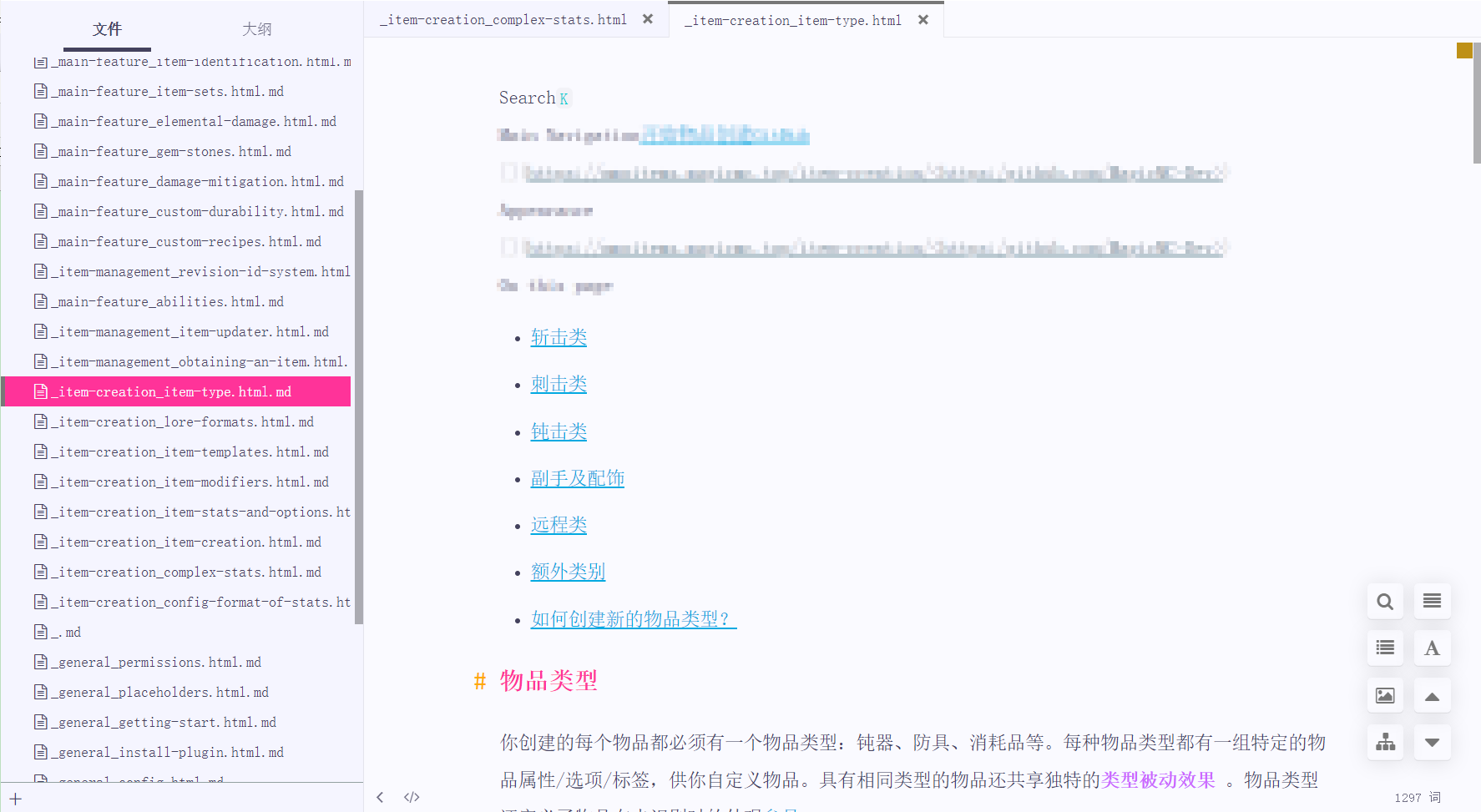
我的使用其实都只是皮毛,crawl4ai有更多强劲的方法,譬如在上面的代码中我设置了crawl_config,使用css选择器指定了爬虫页面,这样就可以去除wiki中每个页面都有的header和列表部分.crawl_config还有很多排除配置,可以帮你快速去除指定dom元素内容.还有缓存调节等等,更多的请自己看文档吧.
设置前: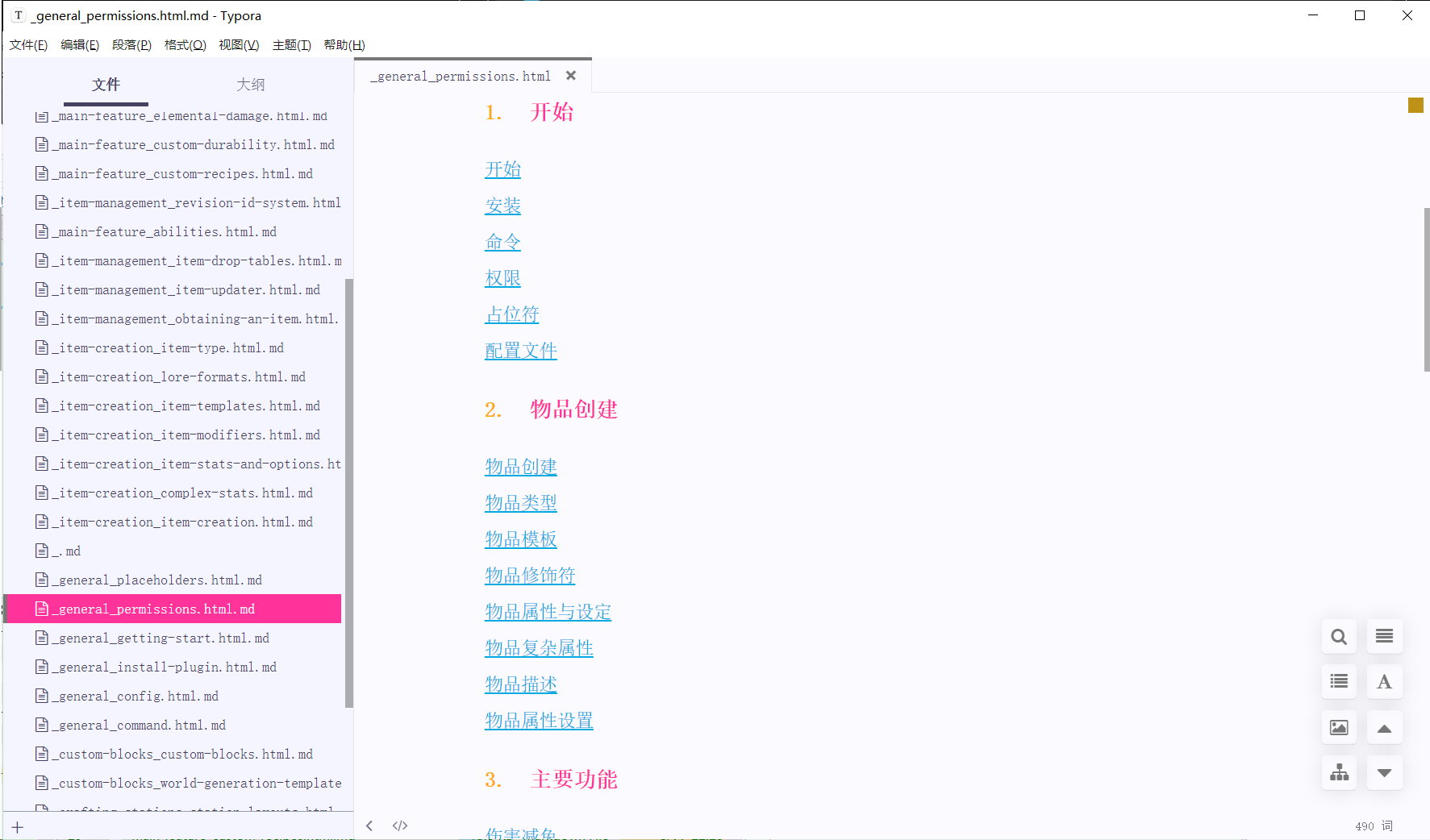
设置后:
Extracting JSON
crawl4ai支持使用json定义爬取数据结构,指定dom元素为特定的元素,这样不仅不需要使用LLM,还有更强的稳定性.在爬取结构性很强的网页时候效果十分好
更多
可以看到其实我的使用场景目前都还没用到LLM协助,因为我只需要爬取下wiki的内容就好了,所以更多更强的内容还是需要你们查看文档自己学习一下.
使用过程中我只能说真的很强,速度和性能都很棒,十分契合我的需求,并且我认为不仅仅是爬取数据库,在绝大部分场景都可以使用crwal4ai.